The Asset Forge: How wilds.ai Builds Game Art From a Public Catalog and AI Generation
"Every block of stone has a statue inside it." — Michelangelo
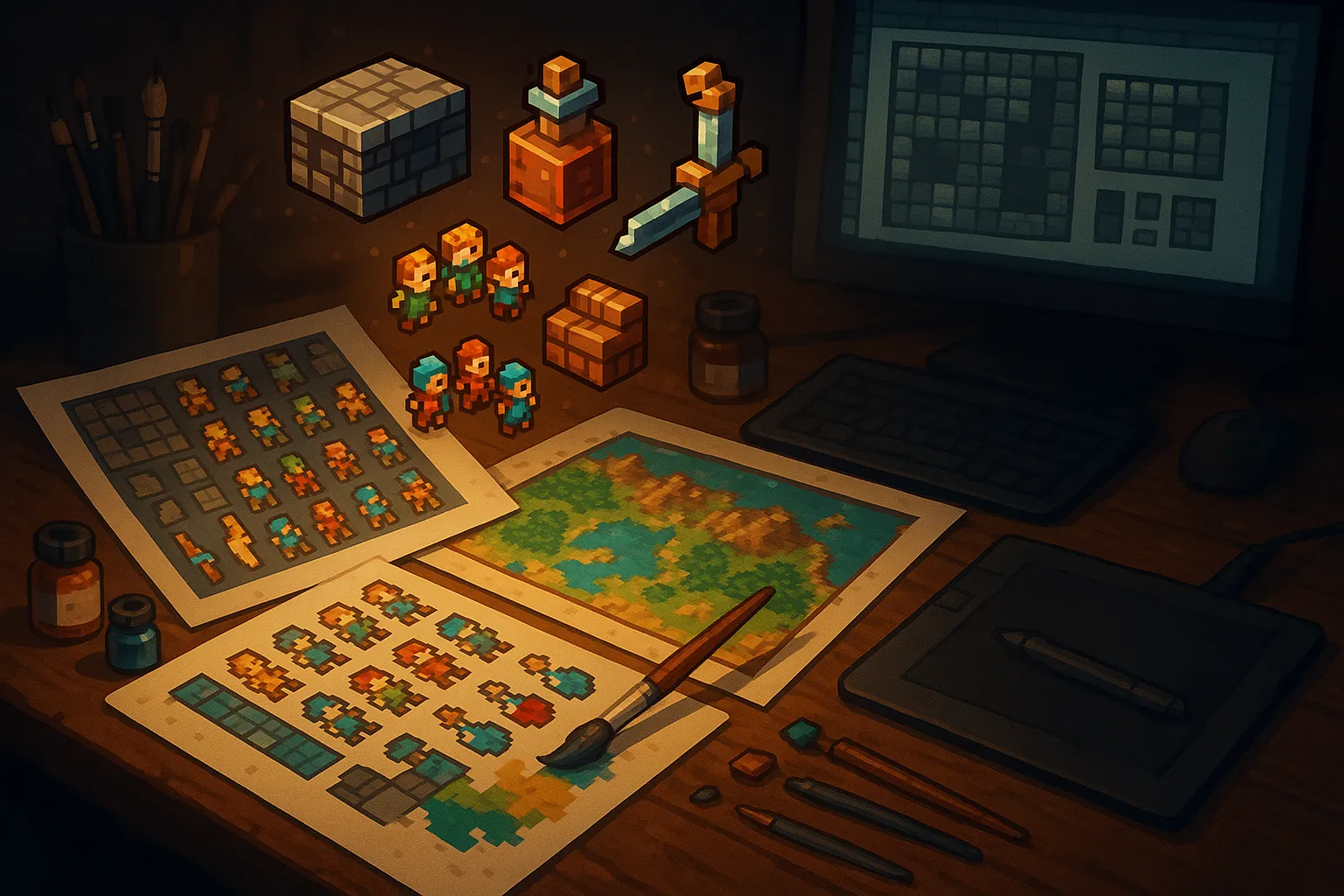
Describe a world in a sentence. The compiler generates regions, NPCs, combat, items, dice mechanics, and a lore encyclopedia. It also generates game art: tilesheets for dungeon floors, spritesheets for character animations, item icons for the inventory, environment props for the scene, UI elements for the HUD. Ten game families, each with genre-appropriate defaults.
The system behind this is the Asset Forge, a pipeline built on a catalog-first principle: search a public library of pre-existing art before generating anything new.
The Stock Catalog
The public catalog contains thousands of CC0-licensed game art assets from professional sources.
Kenney contributes over 60,000 assets across 2D sprites, 3D models, audio, fonts, and UI kits, all public domain. OpenGameArt hosts a decade of community-contributed pixel art, tilesheets, character sprites, and complete game kits, filterable by license. The CC0 subset is available as a structured dataset on Hugging Face with per-asset metadata in JSONL format. Curated itch.io CC0 packs fill genre-specific gaps.
These assets are organized into packs: groups of images that share the same palette, outline weight, lighting direction, and perspective. A roguelike dungeon pack has floor tiles, wall tiles, door sprites, and item icons that all look like they belong in the same game. The pack-level grouping is the core advantage over grabbing individual images from different sources.
Every pack has two metadata artifacts:
- Style anchor: the most representative image in the pack, used as a visual reference point for anything generated alongside it.
- Cohesion description: a structured analysis of the pack's visual properties (texture, lighting, palette hex values, outline weight, shading technique, scale, perspective).
Catalog-First Compilation
When you compile a world, the Asset Planner determines what the game needs based on genre and content. A roguelike needs 8-12 floor tiles, 8-12 wall tiles, player and enemy sprites, item icons, and environment props. A platformer needs ground tiles, parallax layers, and collectible sprites. The planner produces a manifest of required assets.
The forge then searches the catalog by asset_type, art_style_preset, and tag/embedding similarity. If a stock pack matches the genre and art style, it pulls the entire pack. Gaps, the assets the catalog doesn't have, go to AI generation.
Stock assets receive a 1.2x relevance boost in search scoring over AI-generated assets. Human-curated art tends to cohere better within a set because a single artist made deliberate choices about palette and style across the whole pack.
Visual Cohesion Across Mixed Sources
The hard problem: making AI-generated gap-fillers look like they belong in the same game as stock assets. The forge solves this with an image-to-image reference chain.
1. Style anchor selection. The first asset (typically from the stock pack) becomes the anchor. Its visual DNA defines the standard.
2. Vision-based cohesion profiling. The anchor image gets analyzed to extract a structured description:
Texture: crisp pixel edges, no anti-aliasing, hand-placed feel
Lighting: flat even lighting, no directional shadows
Palette: dominant #2b1d0e dark wood, #5a3a1a warm brown, #8b6914 gold accent
         shadow #0f0a05, highlight #c4a24f, outline #000000
Outline: 1px solid black outline on all sprites, uniform weight
Shading: 2-tone flat shading, no dithering
Scale: 16x16 base grid, ~12px detail density per tile
Perspective: top-down orthographic
This description is prepended to every generation prompt so the AI model produces assets in the same visual language.
3. Palette enforcement. For pixel art worlds, the anchor's color palette is extracted using median-cut quantization (Paul Heckbert, 1979). The algorithm recursively splits the color space along the channel with the widest range until it reaches the target bucket count (8, 16, or 32 colors). All subsequent generated assets are mapped to that palette, eliminating the subtle color drift between independent AI generations.
4. Cross-type consistency. The same anchor reference applies to tilesheets, spritesheets, icons, and UI elements. A roguelike's floor tiles and weapon icons share the same lighting direction and palette because they reference the same anchor.
Post-Processing: Seven Stages
Raw AI output has consistent problems. Vignette darkening at edges is a training data artifact present in every major image model. Tiles don't tile seamlessly. Colors drift across independent generations. The forge post-processes every generated image through seven stages, all running locally with Sharp (libvips bindings for Node.js):
| Stage | What It Fixes | Method |
|---|---|---|
| Vignette crop | Dark borders from AI training bias | Sample edge vs. center luminance, crop inward by detected falloff (3-8% per side) |
| Seamless blend | Visible seams when tiles repeat | GEGL-style offset-by-50% wrap, weighted center-seam blend. Organic textures: 40% strength. Structured surfaces: 20%. Directional tiles: skip. |
| Background removal | Opaque backgrounds on sprites/icons | Green screen prompt + chroma key removal to RGBA PNG |
| Palette quantization | Color drift between generations | Nearest-color mapping to the anchor's extracted median-cut palette |
| Downscale | AI generates at 512-1024px; games need 16-64px | Nearest-neighbor for pixel art (preserves hard edges), Lanczos for other styles |
| Grid slicing | Sheets need splitting into individual frames | Cut by detected grid structure into individual PNGs |
| Atlas generation | Renderers need frame coordinates | JSON sprite atlas ({ frameName: { x, y, w, h } }) compatible with Phaser, PixiJS, Canvas |
Stock catalog assets skip this pipeline entirely. They're already game-ready.
Per-Genre Asset Templates
The Asset Planner uses genre-specific defaults, adjusted by the LLM based on the world description's complexity:
| Family | Tilesheets | Sprites | Icons | Environment | UI |
|---|---|---|---|---|---|
| Roguelike | Floor (8-12), wall (8-12), door (4), stairs (2), trap (4) | Player (idle/walk/attack/death), 6-10 enemies, 4-6 NPCs | Weapons (8-12), armor (6-8), potions (4-6), keys | Chests, barrels, torches, altars, fountains | Health/mana bars, minimap, inventory slots |
| Platformer | Ground (12-16), slopes, ladders, spikes, breakable blocks | Player (idle/run/jump/fall/attack), 4-8 enemies | Collectibles, power-ups, keys, checkpoints | 3-4 parallax background layers, decorative props | Lives, score, level complete frame |
| Survival | Terrain: grass, sand, snow, water (12-20 biome tiles) | Player (multi-directional), animals, hostile mobs (6-10) | Resources (wood, stone, food), tools, crafting recipes (20-30) | Trees, rocks, resource nodes, shelter parts, campfire | Crafting grid, inventory, hunger/thirst bars |
| TTRPG | Tactical grid terrain: grass, stone, water, forest (10-16) | Character tokens, NPC tokens, enemy tokens (8-12) | Equipment for character sheets, loot drops (12-20) | Map objects: trees, rocks, buildings, bridges | Character sheet frames, dice overlays, initiative tracker |
| Visual Novel | N/A | Character expressions (6-12 per character) at 512x768 | Relationship icons, inventory items | Background scenes (8-15) at 1280x720 | Dialogue box, name plate, choice buttons |
| Arcade | N/A | Player ship, enemies (8-12), bosses (2-3) | Power-ups, shields, bombs (6-8) | Scrolling background layers, obstacles | Score/highscore, lives, wave counter |
Art style drives tile size: pixel art defaults to 16x16 or 32x32 with nearest-neighbor downscale. Anime and oil painting default to 64-256px with Lanczos interpolation.
Credit Economics
| Action | Credits |
|---|---|
| Reuse a public catalog asset | 0.5 |
| Generate new asset (public, enters catalog) | 5 |
| Generate new asset (private, stays exclusive) | 10 |
| Regenerate with a different seed | 3 |
| Upload your own PNG | 0 |
A roguelike world needs 40-60 assets. With catalog coverage at 80% (typical for popular genres after the initial stock seeding), the cost breaks down to roughly 24 credits for catalog reuse and 60 credits for gap generation: 84 total. Without the catalog, the same world costs ~300 credits in pure generation. The catalog-first approach saves 70% on asset costs for common genres.
Creator Controls
The Asset Browser panel in the creator studio gives you direct control:
- Browse the public catalog filtered by type, genre, art style, and tags
- Swap any asset for a catalog alternative with one click
- Regenerate individual assets with new seeds (3 credits each)
- Upload your own PNG art at zero cost
- Toggle any generated asset between public and private visibility
- View complete packs with their style anchor and cohesion description
Every asset you generate enters the public catalog by default. Other creators reuse it, and your asset accumulates a use count. Private assets cost 2x but stay exclusive to your worlds.
Try the Asset Forge
Create a world at wilds.ai/app/create/world and the Asset Forge generates game art automatically during compilation. Browse worlds others have built at wilds.ai/browse/worlds. Plans and pricing at wilds.ai/pricing. Join the community on Discord.
Related: How to Build Your First World | wilds.ai vs AI Dungeon | Best AI Roleplay Platforms 2026
Sources:
- Kenney Game Assets: 60,000+ CC0 game assets
- OpenGameArt CC0 Dataset: Structured HuggingFace dataset with metadata
- itch.io CC0 Game Assets: Community CC0 packs
- Median cut algorithm: Color quantization method (Heckbert, 1979)
- AI image artifact removal: Vignette and border artifact fixes
- Sprite AI seamless tiling pipeline: Vignette detection and seamless blending techniques
- Sharp image processing: libvips bindings for Node.js